# Week 7
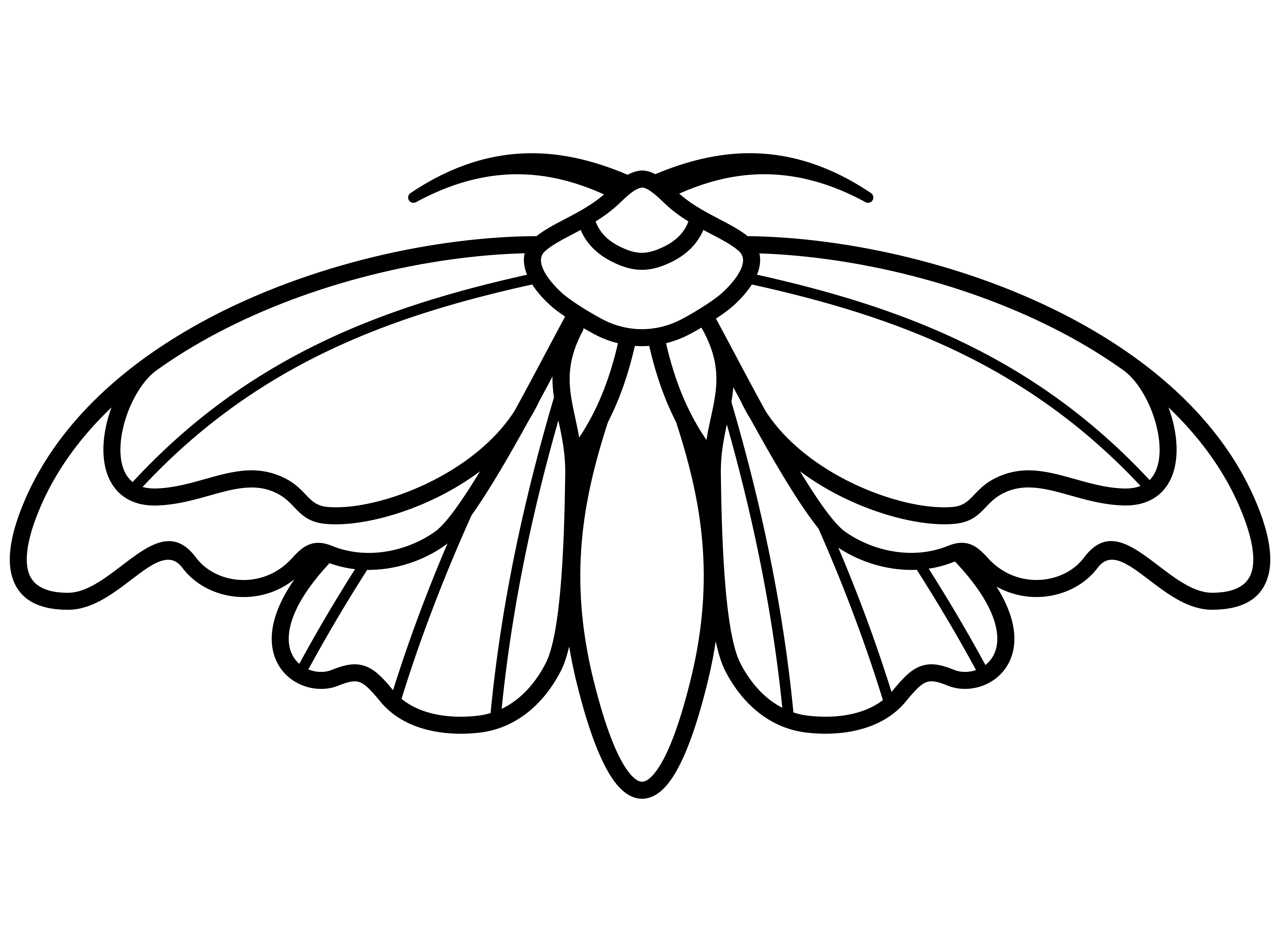
During this week, I worked with the developers on implementing the enemies’ 3D models into our second prototype and fixed a few import issues from Maya to Unity. Since some of the surfaces on our models are created with planes, Unity does not render both sides of a plane, which means one of the sides are always transparent. This caused several visual bugs with the wings of the Moth model and the interior bug zapper lamp model. As a result, I went on to research if this is considered a common problem for other users when importing Maya models to Unity. It turns out that it’s intentional for various reasons. The way that unity renders the finished 3d models is that it uses the normals of the object to prevent it from rendering any unneeded surfaces. Each face of the object is a plane and each plane has 1 side of texture. To work around this problem, one option is to either use the “Flip Normals” tool on Maya if the faces are facing the wrong way. Another solution, which works in my situation, is to duplicate the planes so they are on top of each other. This adds another set normals without increasing your polycount so you can see both sides of a plane. I think this is very helpful and I keep this in mind when I work on future models.
In preparation for next week’s alpha code, I will begin adding animation to the hand enemy model to make it more dynamic. I will also be prepared to make any changes to our existing 3D models if there’s any refinements needed. If our team requires more enemies, I will start to model and animate an enemy bird, which was previously shown in our concept art.