# Week 3
During this week, we realized that we didn't exactly solidify our game mechanics yet so the first thing we did was to finalize that aspect through basic prototyping. After going through our different variations of flight controls via online tutorials, we decided to go with a mouse control for the player to navigate the Moth in our game world. We all agreed that the controls add a sense of satisfaction for the player because it felt very smooth when the moth is navigating left/right/up/down as compared to using a keyboard. We also established our secondary mechanics, which were very important ever since the feedback we have gotten in our game proposal presentation. The introduction of a vision cone surrounding the moth acts as a stamina bar where it starts off with a decent amount of light/vision. As time passes, the light slowly diminishes and fades to black, making it difficult for the player to see. If the light fades to complete darkness, the game is over so the objective for the Moth is too replenish light by flying near light orbs.
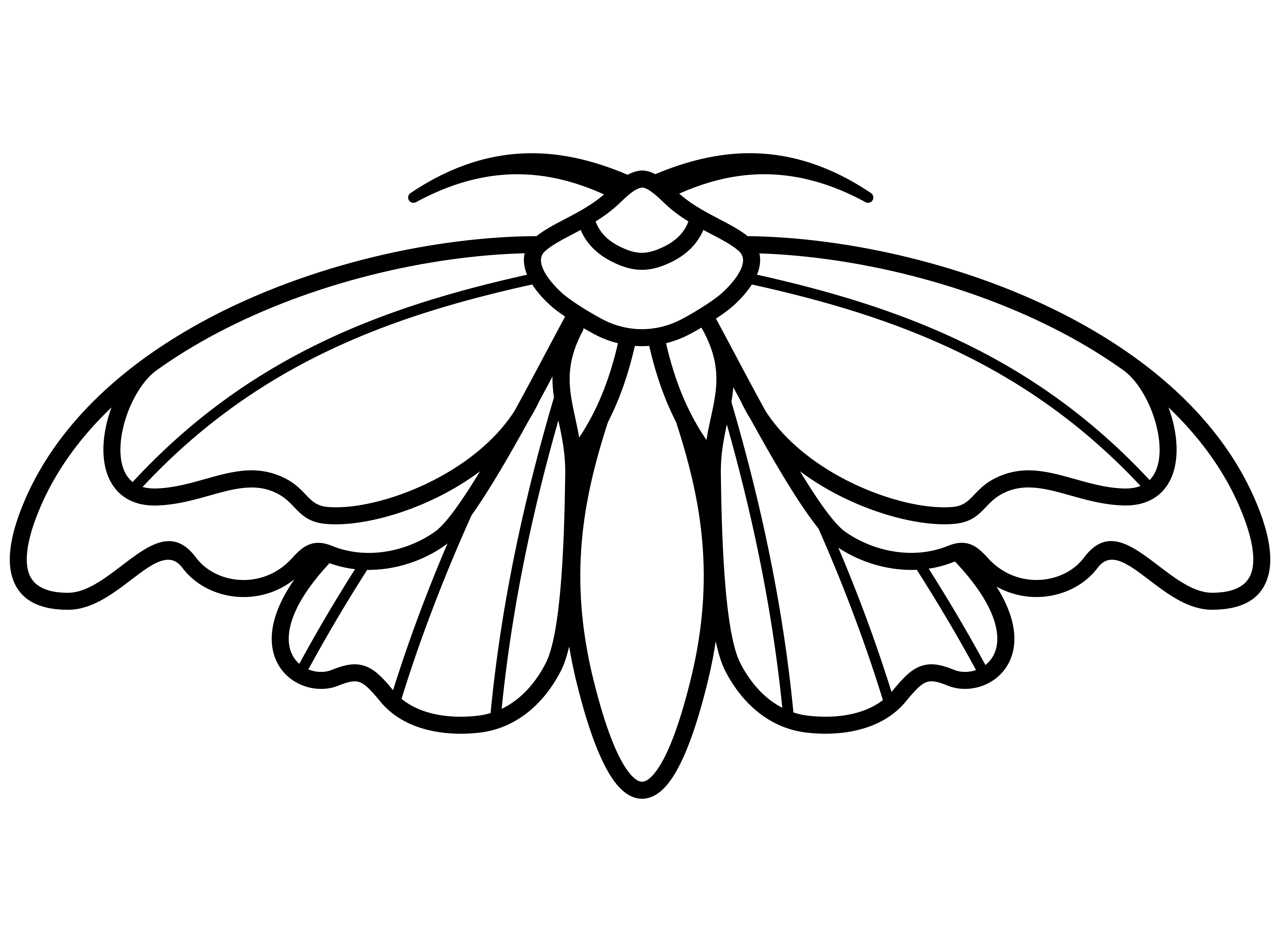
My main task this week was 3D modelling our main character, the Moth, in Maya so that our game developers can use it in their prototypes. After looking at online tutorials and using the skills I have learned so far in my animation course, I was able to model a moth with distinctive body shapes e.g. head, body and wings. Furthermore, I went ahead and animated the wings so that my team will be able to visualize what it will look like in the game world when the Moth is flying around and flapping its wings.
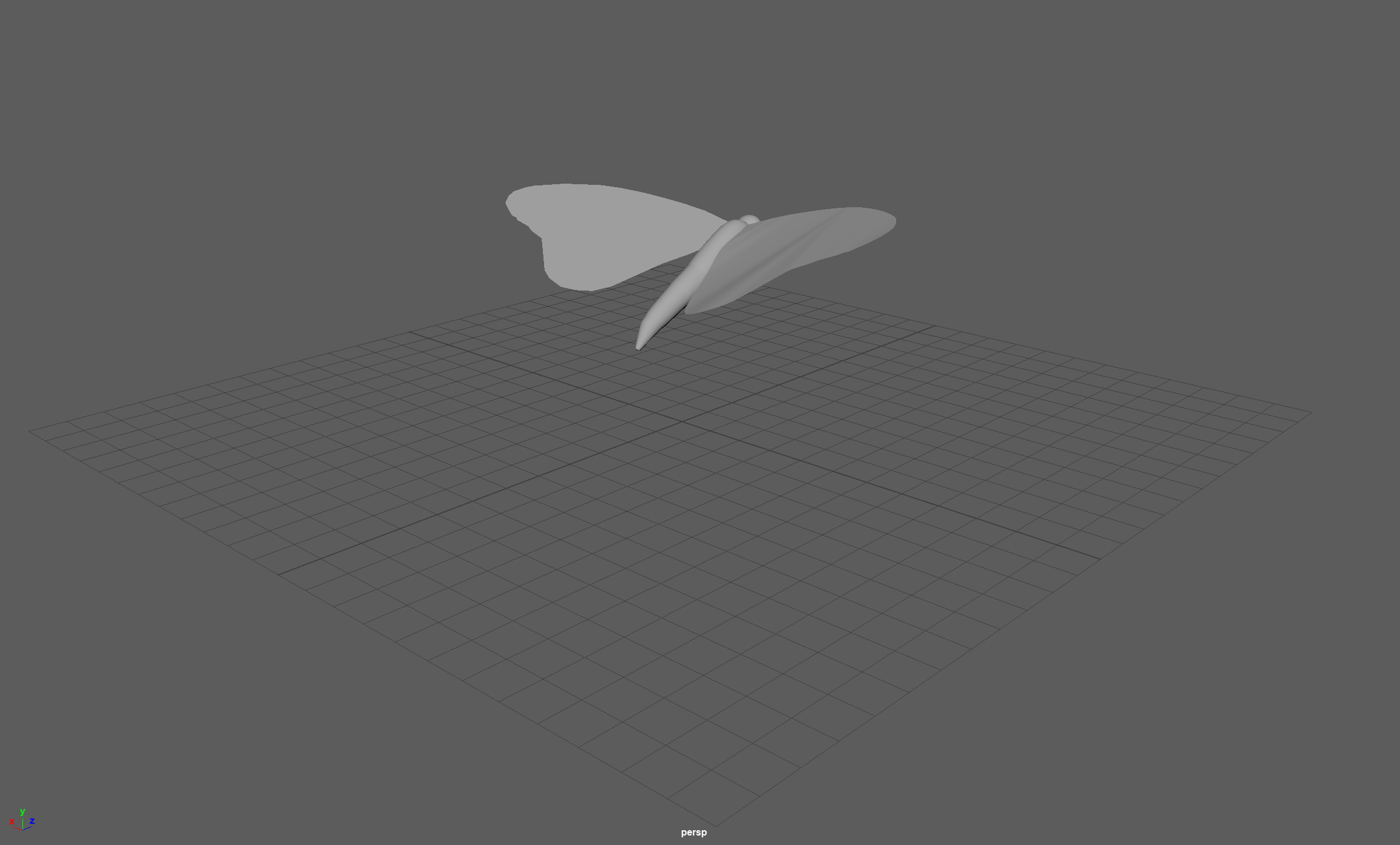
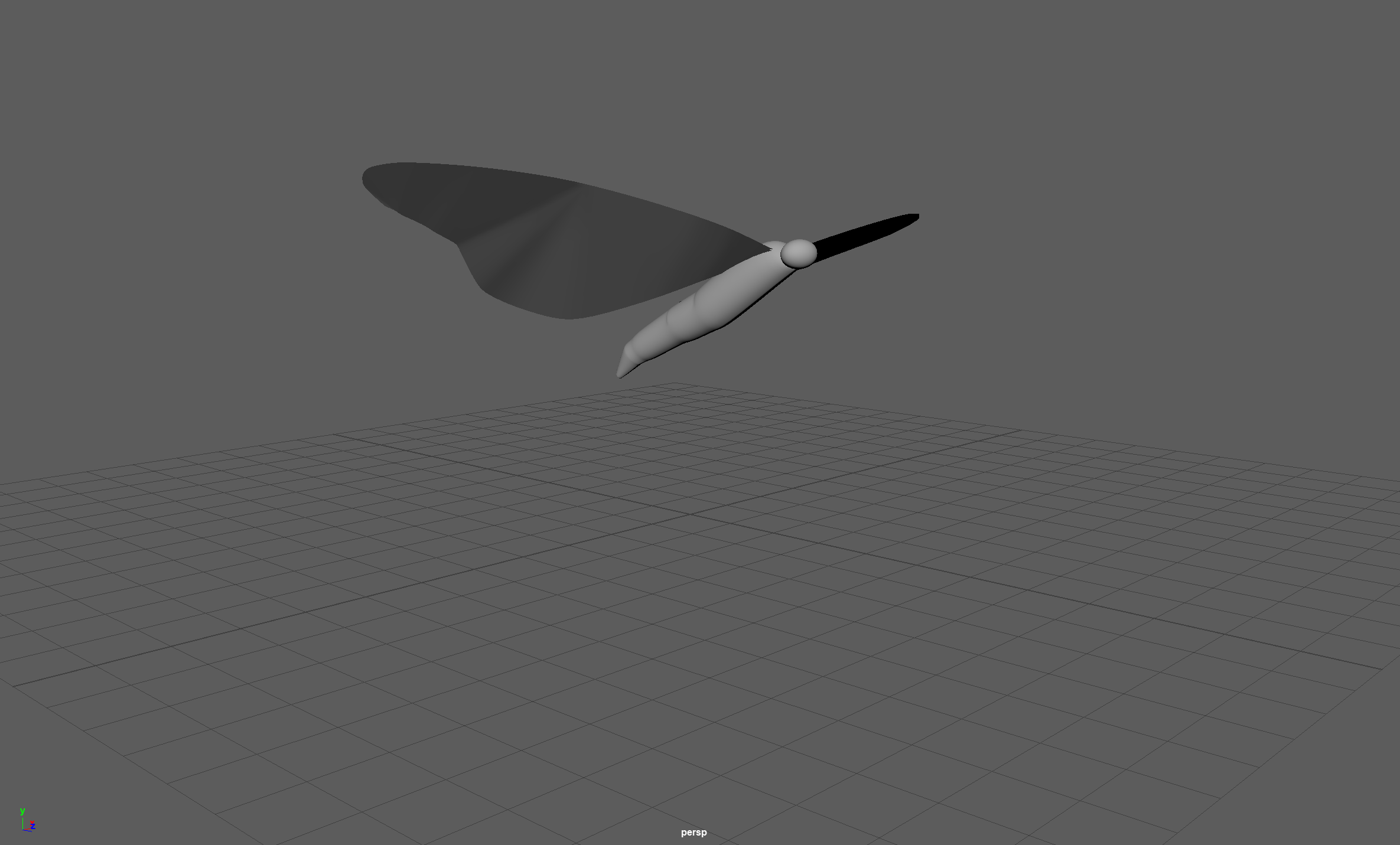
3D rendering of our Moth in different perspective views
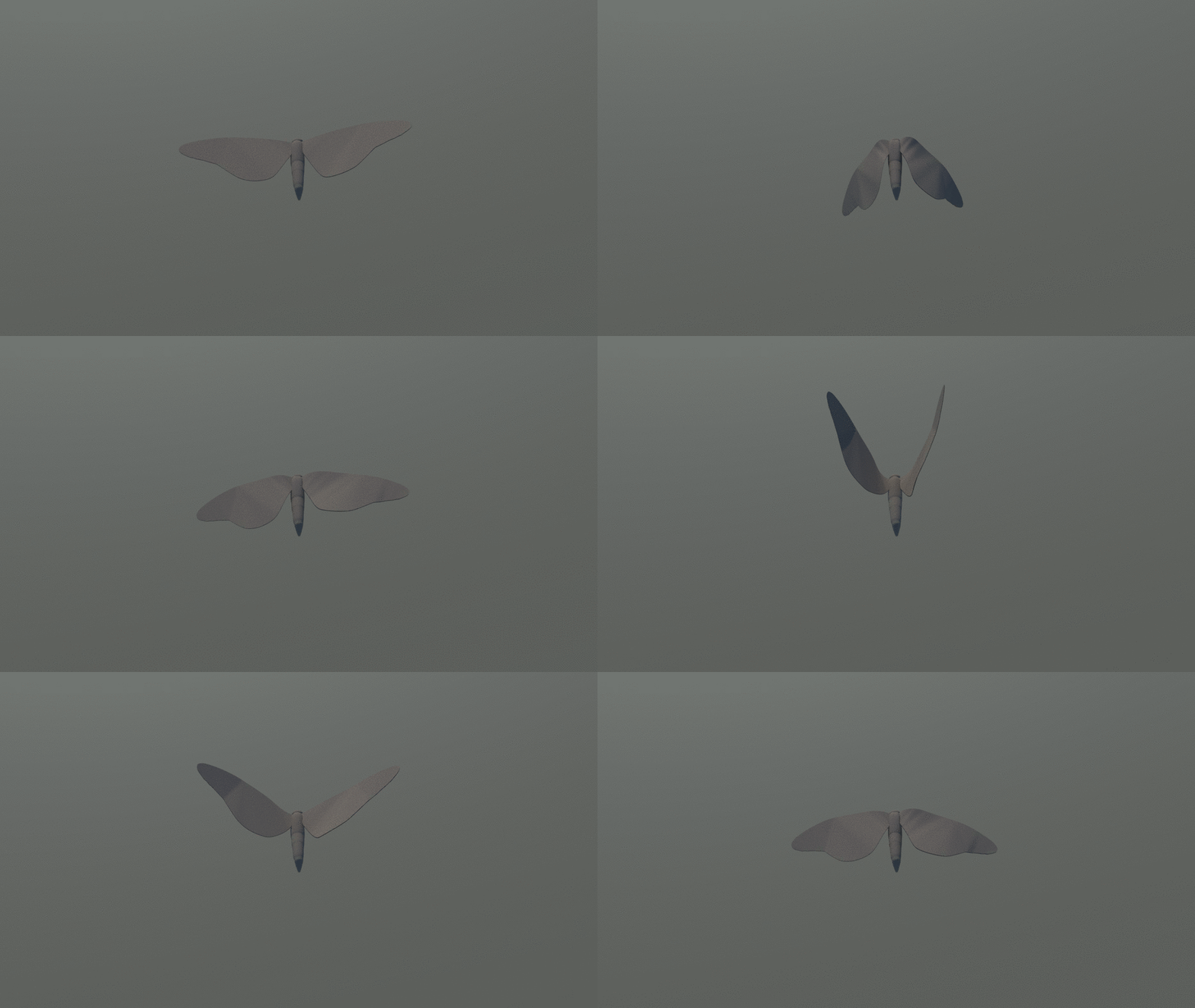
3D rendering of our moth with the wings rigged and animated
From here onwards, I will be working more on the 3D modelling in Maya so that I'm more familiar with the wide range of tools provided in that software. Since there are our other characters/objects in the game world e.g. birds, bug zappers, trees, etc., I will need to come up with a few mockups for each of them before our prototyping session.